
Introduction, or Hello World #
A few years ago I bought the domain name dumanc.as, I didn’t have a particular reason for it at the time. I just thought it would be fun to own.
I also wanted dumancas.com but that was already taken.
Buying and Configuring the Site: Minimum Viable Product, or Let’s Just Get Something Online #
I purchased dumanc.as using
Gandi. I used
CloudFlare as my DNS provider for the added security combined with my preference for their developer experience.
I wanted to put up a simple static site online. We aggregate our documentation at work via
mkdocs
so I was familiar with static site generation technology. I decided to go with
hugo for my static site generator because of the large selection of extensible, community-made themes.
I decided to use the
blowfish theme for aesthetic reasons as well as the quality of the documentation.
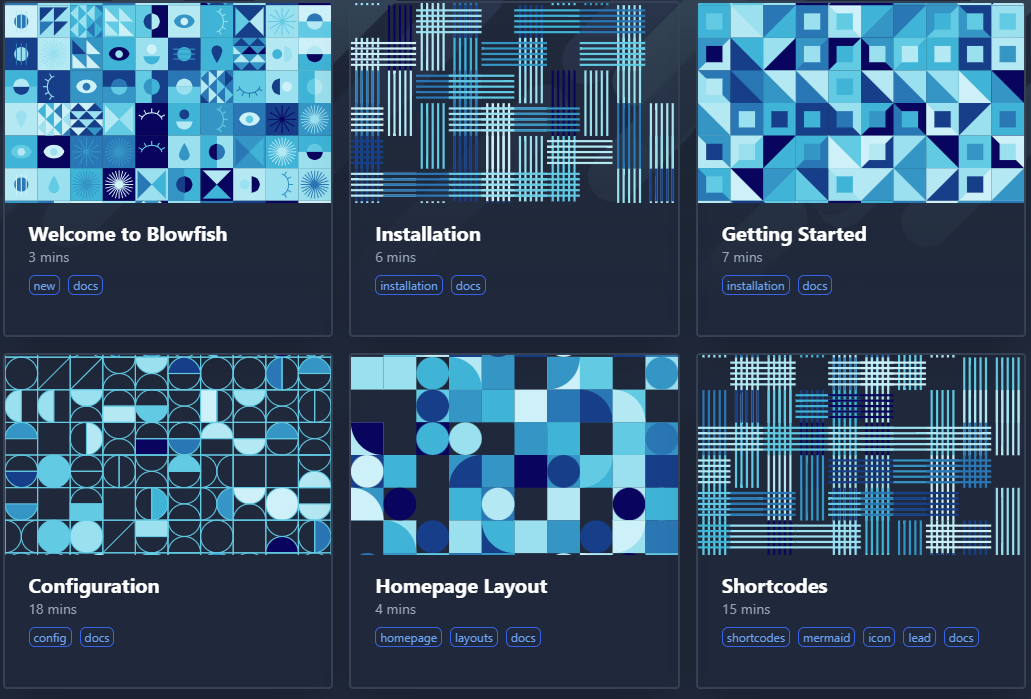
I set up a quickstart, installed blowfish, and performed my initial configuration
After the bones of the site were built I wanted to get it online. I did not want to manage my own server hardware so my solution was to use AWS as my cloud platform. I chose AWS as my provider due to the robust documentation and high availability.
I signed up for AWS - making sure to enable two-factor authentication - and created an S3 bucket. I then configured the S3 bucket to host a static site.
I configured the website access permissions on AWS using these modifications made necessary by CloudFlare.
I was then able to configure https://lorenzo.dumanc.as to resolve to my static site via these [instructions]( https://developers.cloudflare.com/support/third-party-software/others/ configuring-an-amazon-web-services-static-site-to-use-cloudflare/#set-up-your-site-on-cloudflare)

Reducing Site Update Friction, or Setting up CI/CD #
I do not like the manual intervention required to get updates to my static site. Having to run a local build and upload to the GUI every time was not an activity I wanted to engage with.
I enjoy working on infrastructure. A robust deployment process allows updates to be pushed out faster to consumers. Manual, GUI-based deployment and provisioning - though sufficient for experimentation and exploration - are inefficient in a production setting.
I used GitHub Actions to configure CI and CD. Though the vast majority of my CI experience is in Jenkins and GitLab on the professional side, the high level concepts are transferrable and it was a relatively trivial exercise to configure build and save stages. I can further explore tool specific features and efficiencies later if the need arises. I did make the decision to only use the out-of-the-box GitHub built actions. I did not want my build process to be dependent on code that was not under my direct ownership, especially when it was relatively simple to write the actions myself.
name: CI-CD

on: [push, workflow_dispatch]

jobs:
  build-site:
    runs-on: ubuntu-22.04
    steps:
      - name: Checkout Repository
        uses: actions/checkout@v4
        with:
          submodules: recursive

      - name: Generate Website
        shell: bash
        run: |
          docker run -v $PWD/static-site:/mnt \
          ldumancas/hugo-build:latest

      - name: Save Artifacts
        uses: actions/upload-artifact@v4
        with:
          path: ./static-site/public/
          overwrite: true

      - name: Deploy to S3
        shell: bash
        run: |
          aws s3 sync ./static-site/public s3://lorenzo.dumanc.as
        env:
          AWS_ACCESS_KEY_ID: ${{ secrets.AWS_ACCESS_KEY }}
          AWS_SECRET_ACCESS_KEY: ${{ secrets.AWS_SECRET_ACCESS_KEY }}
          AWS_DEFAULT_REGION: 'us-east-2'
Above is my initial build and deploy pipeline.
I used
packer to build an
alpine based
docker image with hugo baked in to use as my build environment. Without this step in the configuration process, it would be necessary to install hugo on the GitHub runner every time CI executed.
packer {
  required_plugins {
    docker = {
      version = ">= 1.0.8"
      source  = "github.com/hashicorp/docker"
    }
  }
}

source "docker" "alpine" {
  image  = "alpine:3.19.1"
  commit = true
  changes = [
    "WORKDIR /mnt",
    "ENTRYPOINT hugo"
  ]
}

build {
  name = "hugo-build"
  sources = [
    "source.docker.alpine"
  ]

  provisioner "shell" {
    inline = [
        "apk add --no-cache \
        --repository=https://dl-cdn.alpinelinux.org/alpine/edge/community hugo",
        "mkdir /mnt/working"
    ]
  }

  post-processors {
    post-processor "docker-tag" {
      repository = "ldumancas/hugo-build"
      tags       = ["0.1", "latest"]
    }

    post-processor "docker-push" {
        login = true
        login_username = ""
        login_password = ""
    }
  }
}
Above is the packer build environment definition used to generate the docker build image.
Luckily, the AWS CLI is preinstalled on GitHub runners. After configuring an IAM user under my root AWS account with permissions appropriately limited to S3 Access, site updates are performed with the single line command:
aws s3 sync ./static/site/source/directory s3://target-s3-bucket
Note: Do not forget to define AWS_ACCESS_KEY_ID and AWS_SECRET_ACCESS_KEY
secrets in order to provide the GitHub Action with appropriate credentials to perform the upload. Additionally, never commit these values to source control.